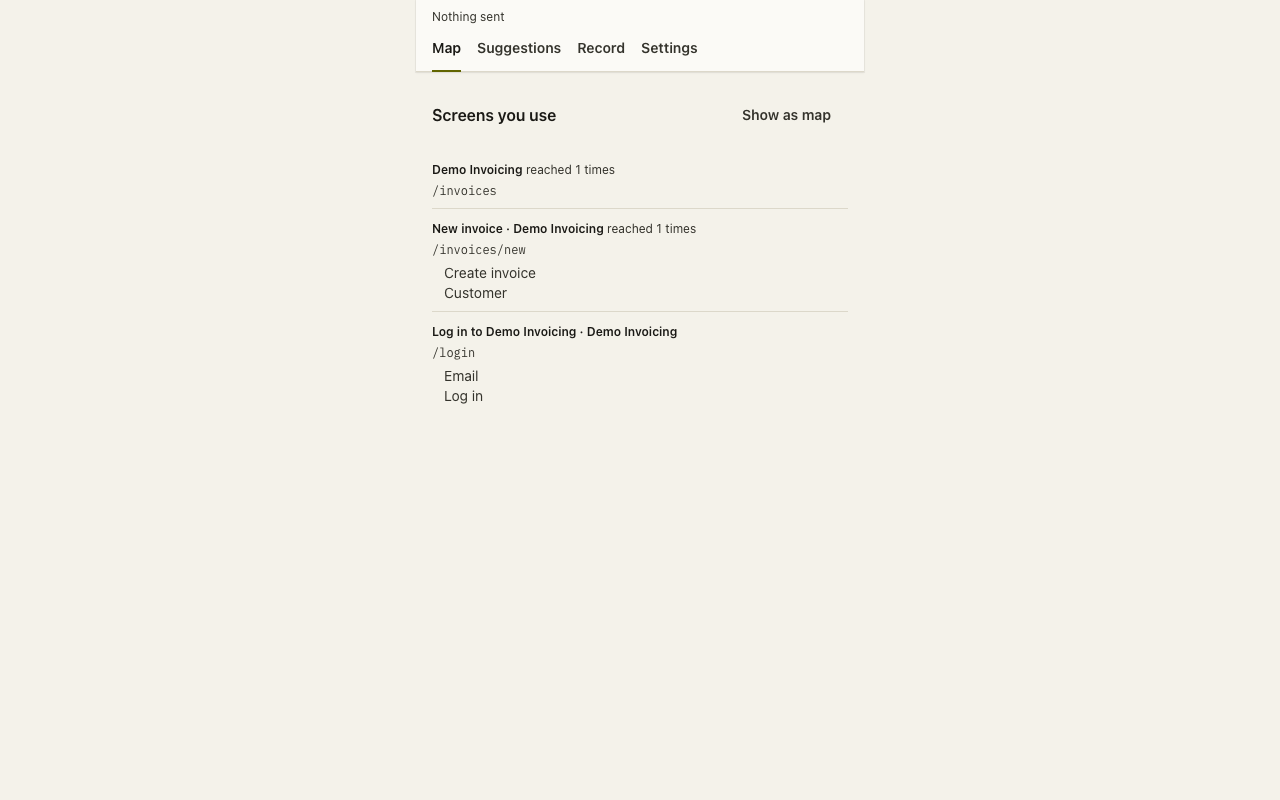
Check it yourself
-
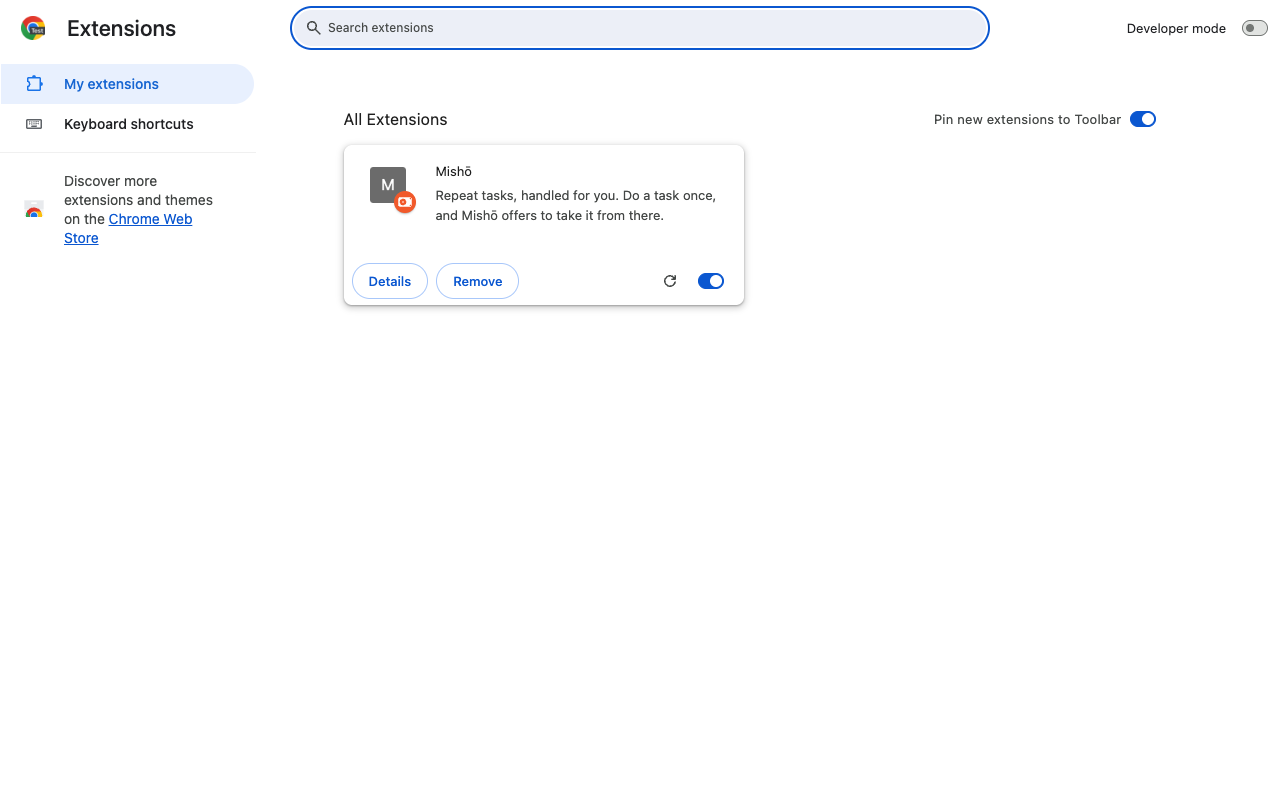
Add Mishō to Chrome and allow one app.
-
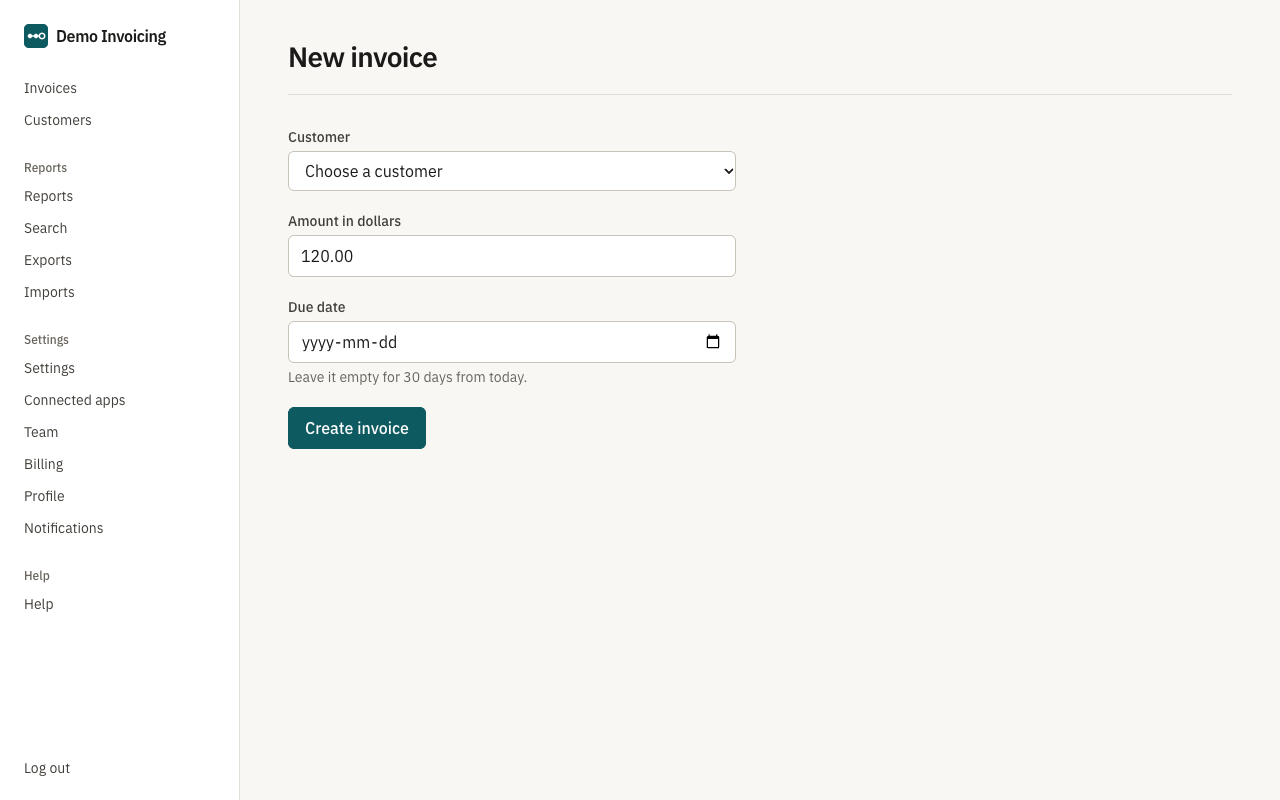
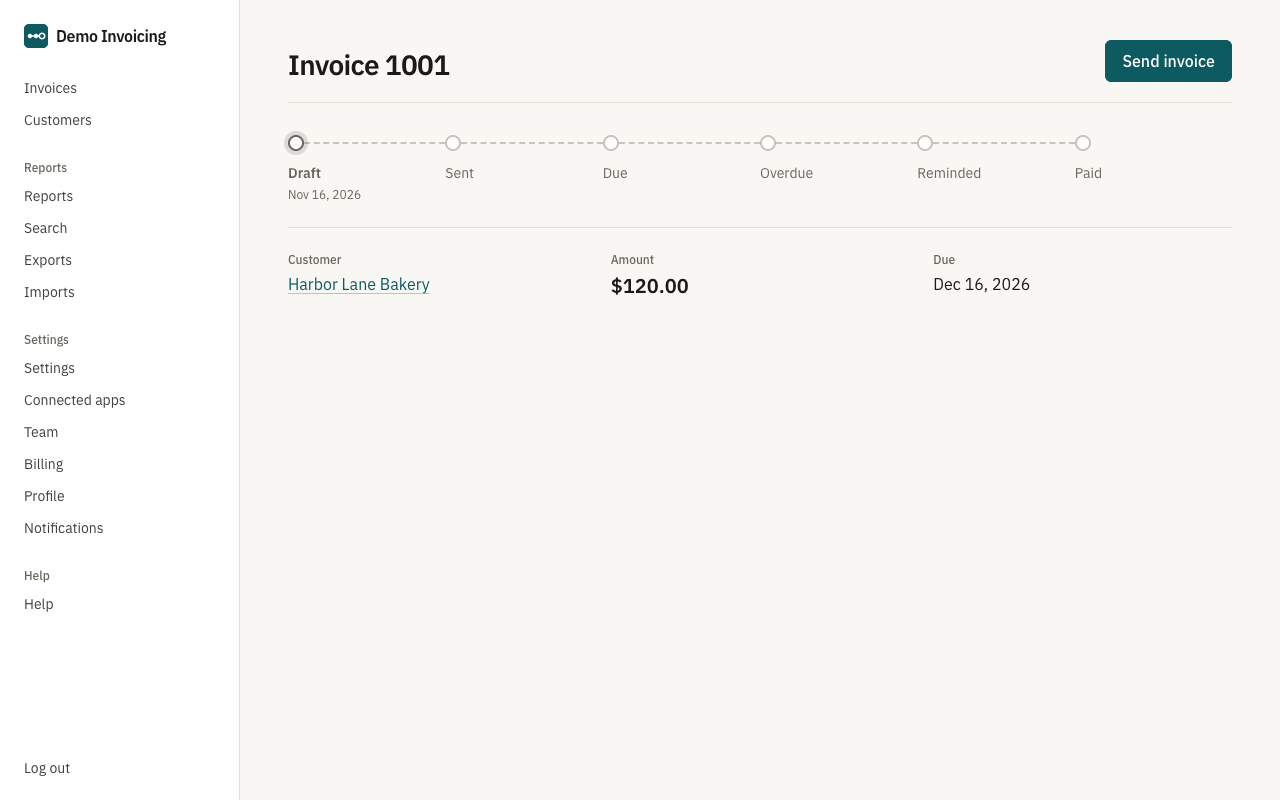
In that app, open DevTools (Cmd+Option+I on a Mac, Ctrl+Shift+I on Windows) and choose Network. Record a task with Mishō.
-
In the filter box type the API's host (api.getmisho.com). No row appears.
-
Open chrome://extensions, turn on Developer mode, and under Mishō click "service worker". Its Network tab is empty too.
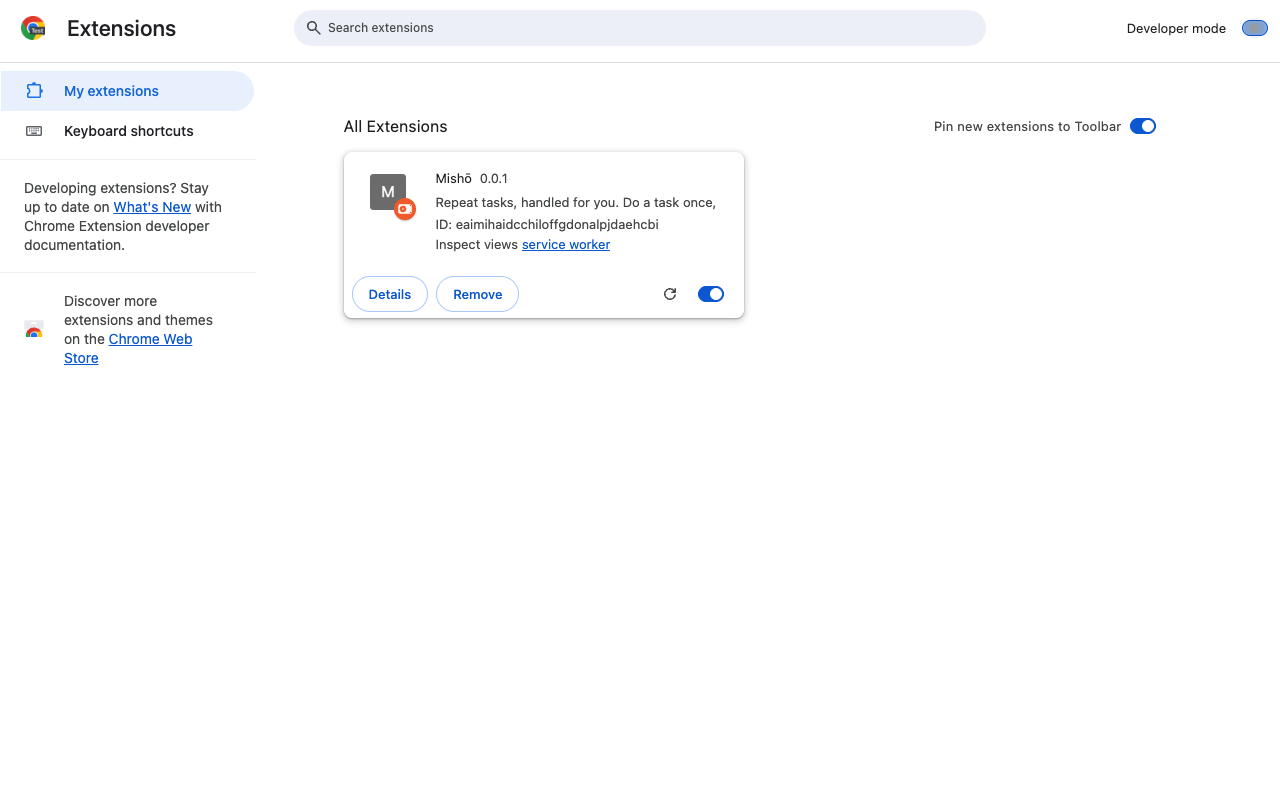
-
Look at the panel's header. It reads "Nothing sent".